
Effects your way
Choose effects, set prices and adjust timers.
Your viewers can help you out, change your plans, or send a surprise into your game. You choose the effects. They choose the moment.
Windows desktop for streamers · Browser for viewers
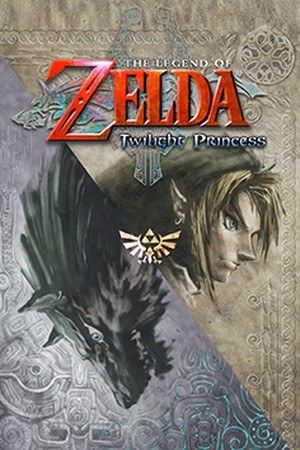

Twilight Princess effect examples
Choose effects, set prices and adjust timers.
Try effects from the app before inviting your viewers.
See who sent each effect and what happened. Pause whenever you need.
Viewers claim free Sparks to spend on effects. Paid plans let you customize the amount and refill time.
Show effects on your stream with a customizable overlay.
Let viewers look back at their effects with a session recap.
Currently available for Twilight Princess with Dusklight. Your own game installation is required.
Set up in the app, then invite viewers with your link.
Read the setup guideOpen Twilight Princess with the Viewer Link mod.
Set your prices and Sparks rules.
Start your session, test an effect, then share your link.

Sign in and send effects from your streamer’s viewer page.
Join in your browser
Viewers choose effects from your Twitch channel.
Available to approved testers
Turn LIVE gifts, likes and other events into game effects.
Sign-in limited to approved testersSome connections are still in testing. Check platform availability.

Set up your effects, connect your account and invite your viewers to join in.